Members
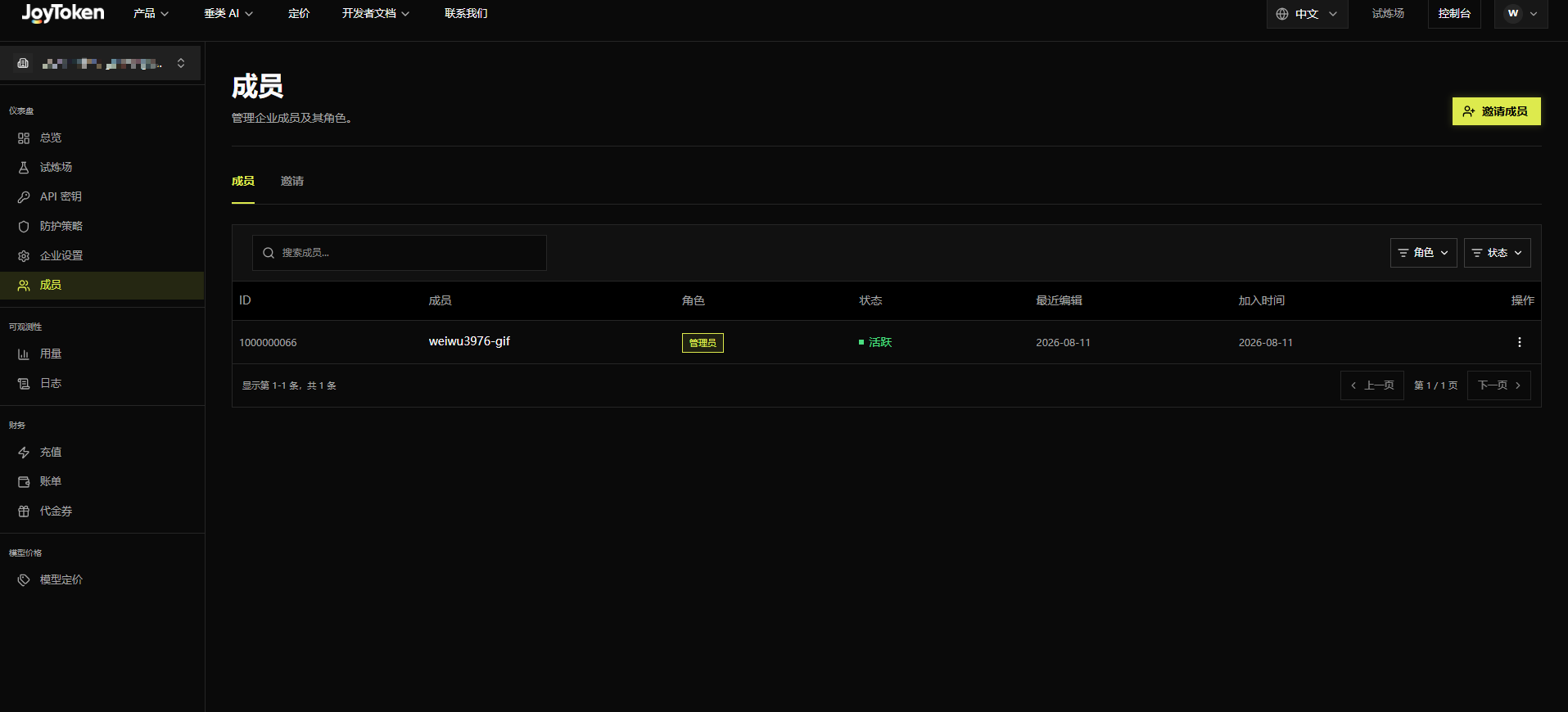
Manage enterprise members and roles from the Members and Invitations tabs. Search and filter by Role or Status.
Members list
Fields include ID, Member, Role (e.g., Admin), Status (Active), Last Edit, Join Date, and Actions. Use the ”⋮” menu on each row to manage a member.

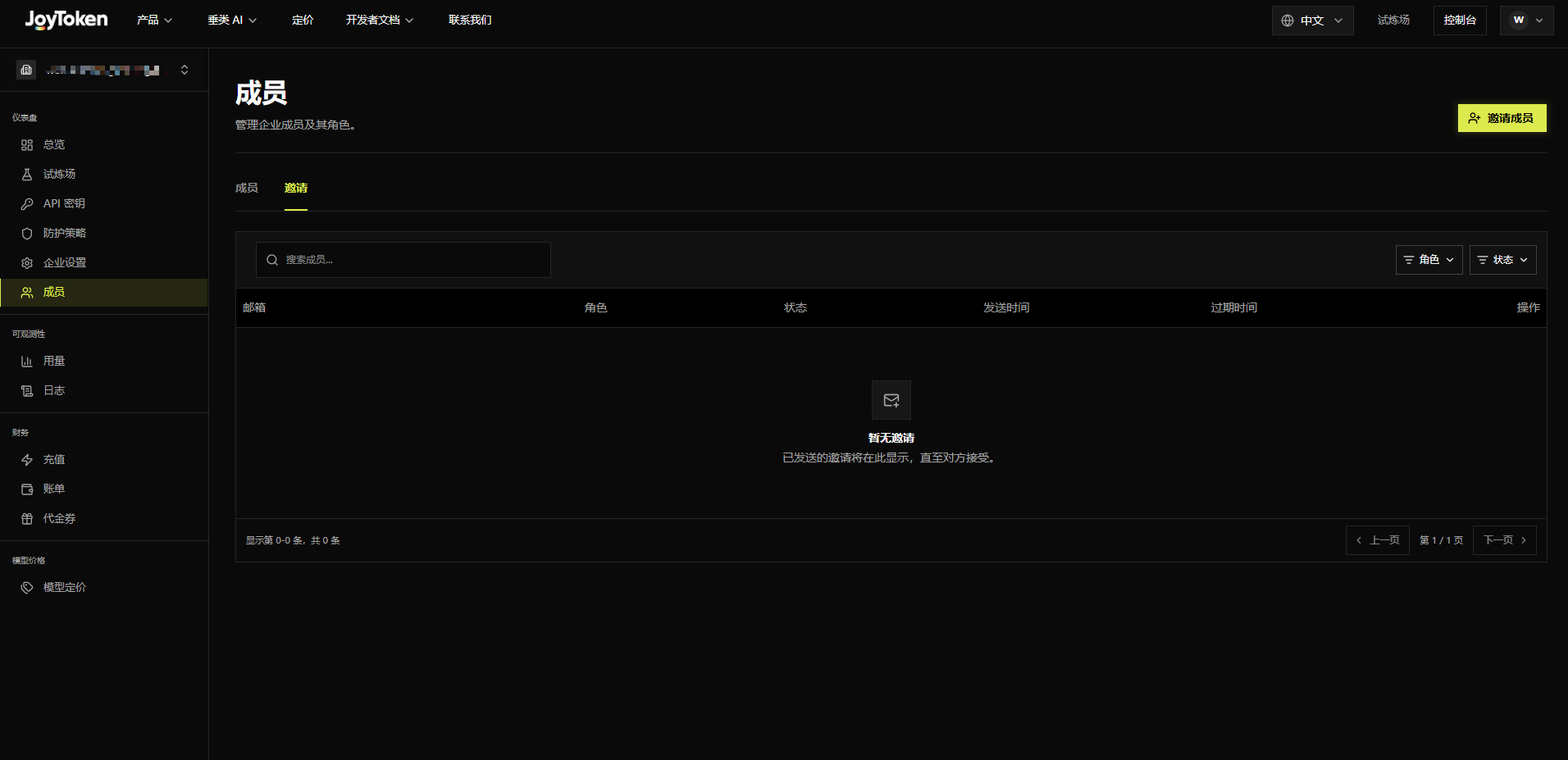
Invitations list
Shows invitations that have been sent but not yet accepted, with fields for Email, Role, Status, Sent Date, Expiration Date, and Actions. When there are none, it displays “No invitations”. Click Invite Member in the upper-right corner to send a new invitation.

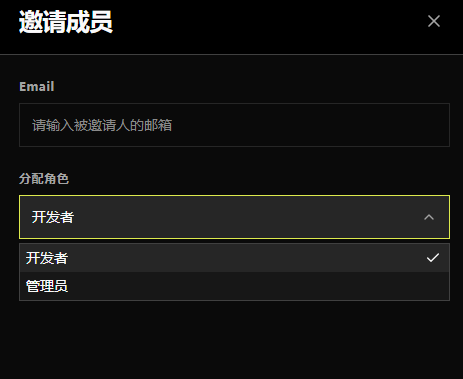
Invite a member
Enter the invitee’s email and choose a role — Developer or Admin. Click Send Invitation and the invitee will receive an email.
The invitee must confirm and accept via the email link before becoming an enterprise member.
If the invitee’s email is already registered (personal or enterprise) or has already accepted another enterprise invitation, the invitation cannot be sent.