Registration & Login
Registration & Login
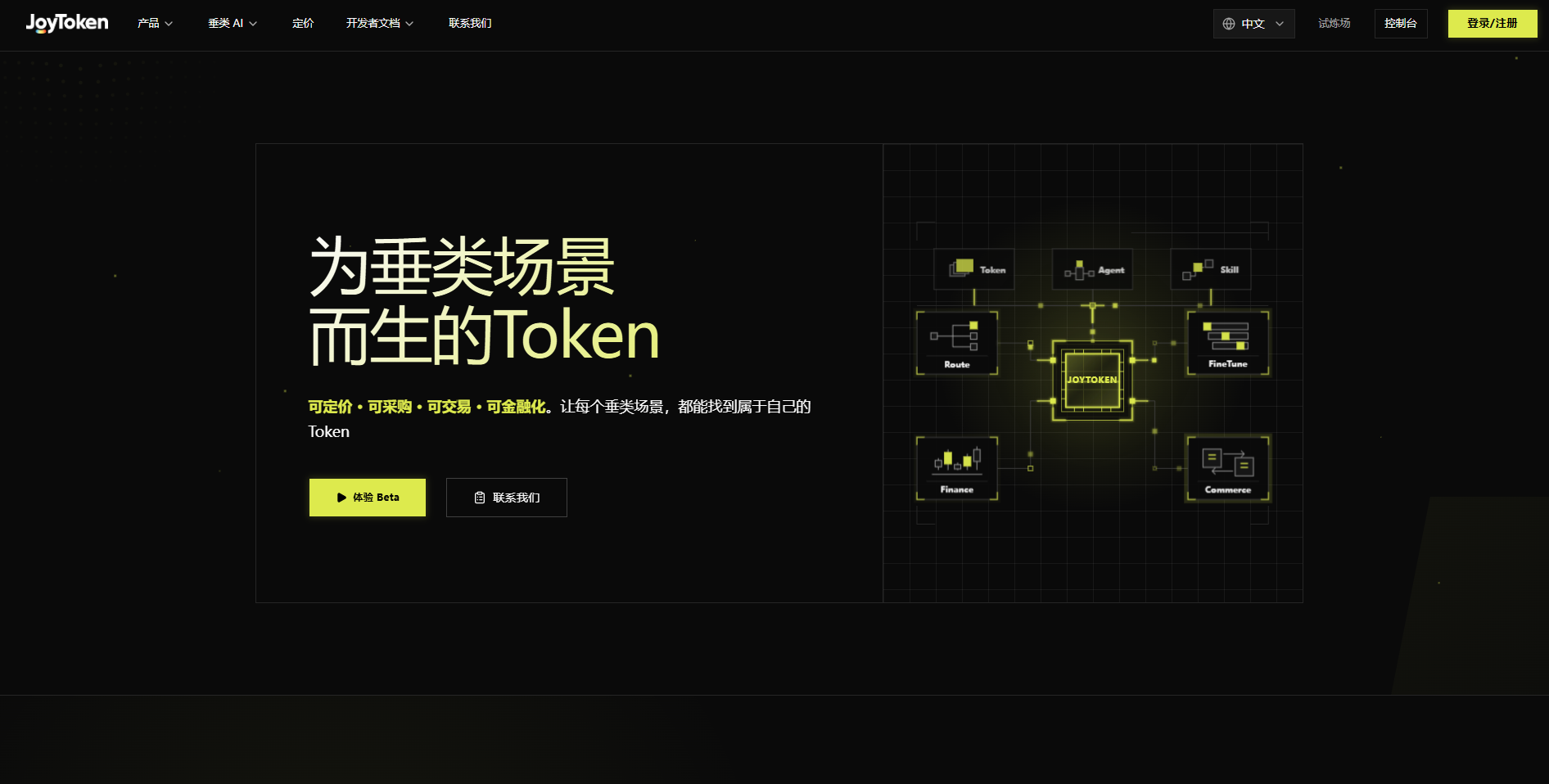
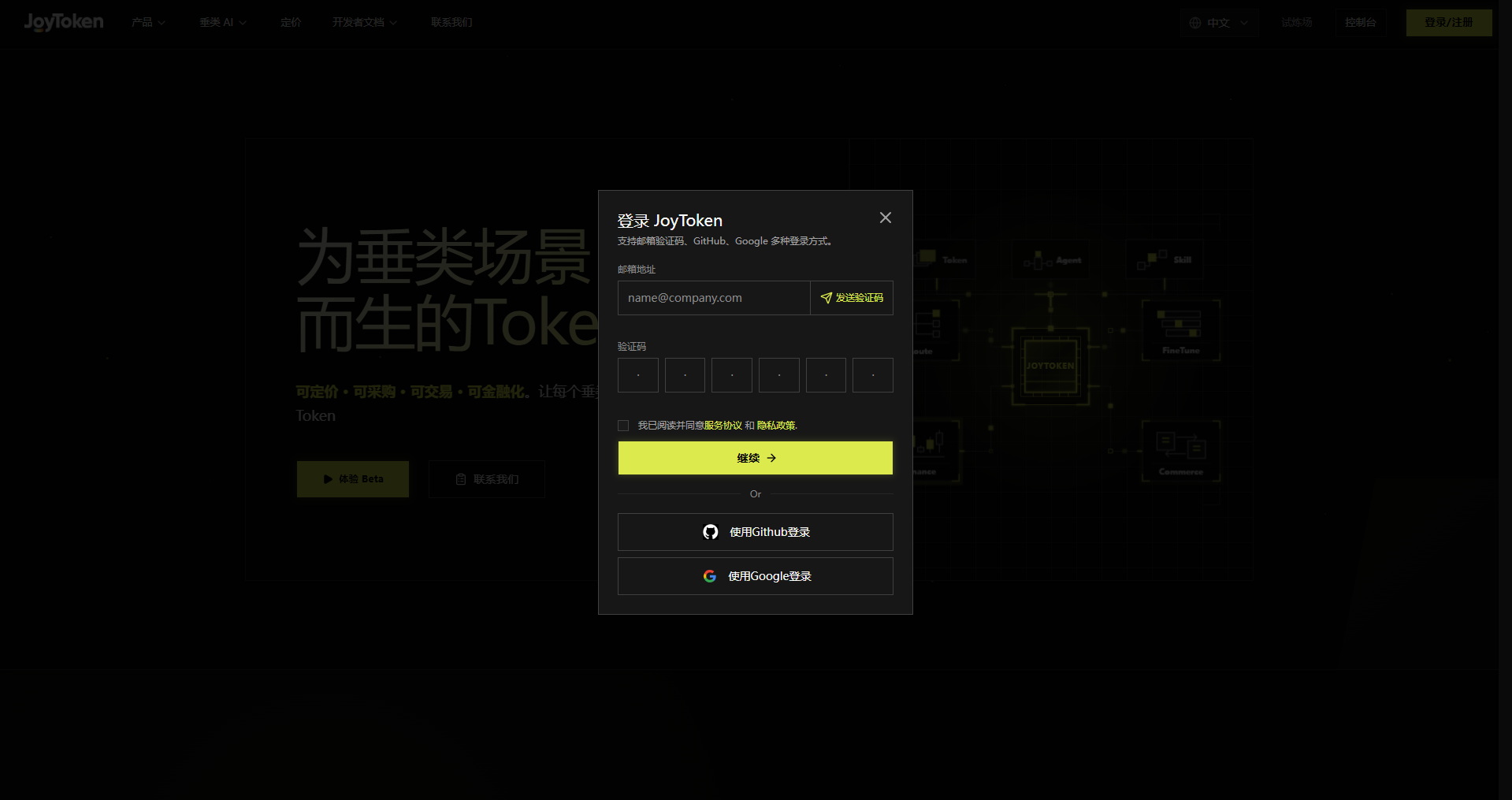
On the homepage, click Login/Register in the upper-right corner to open the login dialog. Three methods are supported:
- Email Verification Code: Enter your email, click Send Verification Code, enter the 6-digit code, agree to the Terms of Service and Privacy Policy, then click Continue.
- GitHub Login: Click Login with GitHub.
- Google Login: Click Login with Google.
The top navigation includes Products, Vertical AI, Pricing, Developer Docs, Contact Us, Playground, and Console. Clicking Try Beta also grants access.


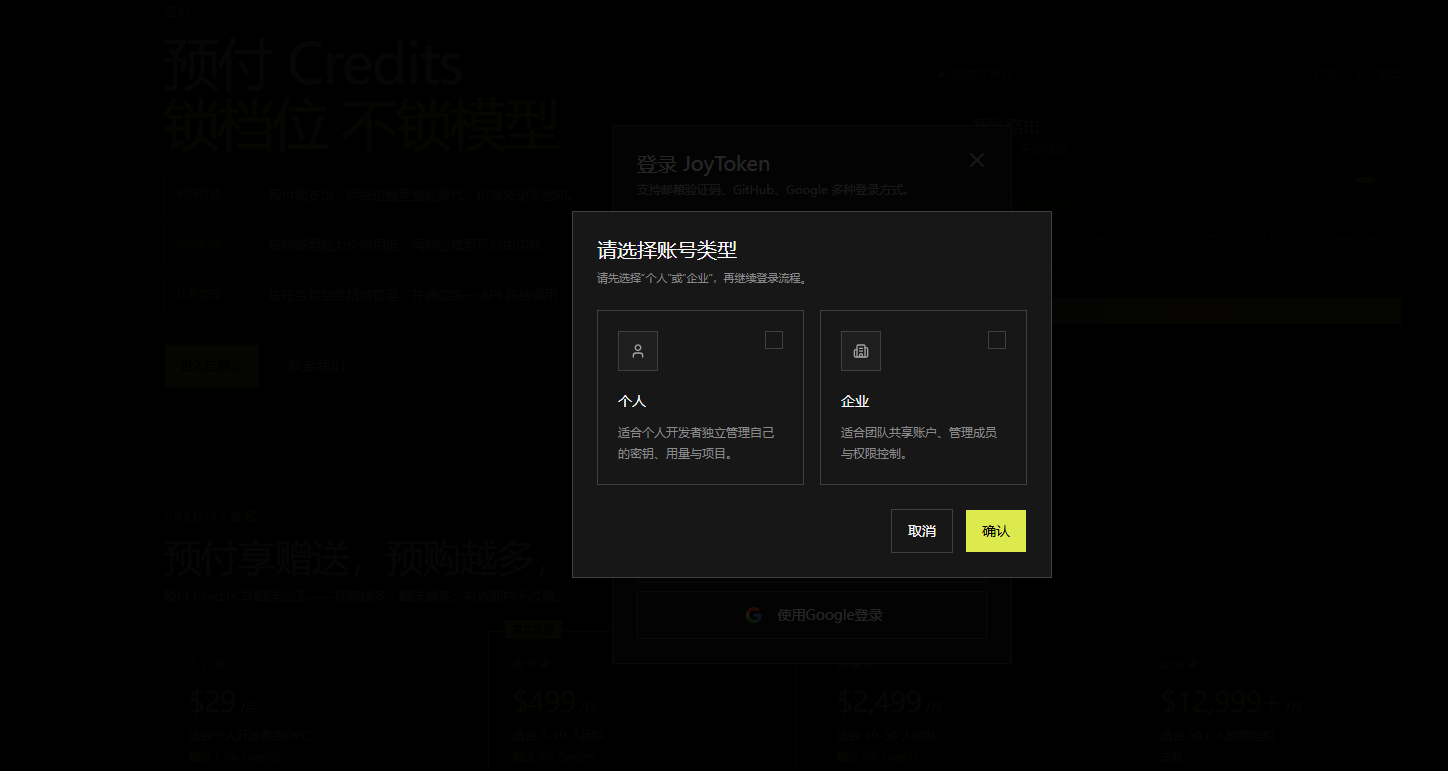
After logging in successfully, an account type selection dialog appears. Select Person and click Confirm to enter the homepage.