Login
Step 1: Accept the Organization Invitation
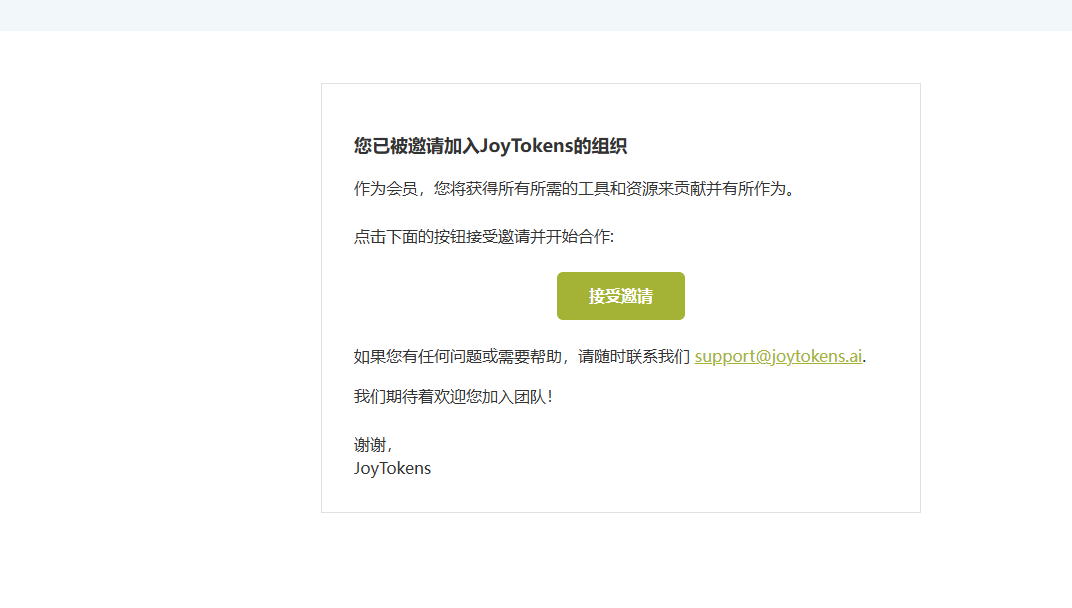
After an administrator invites you to a JoyTokens organization, you will receive an invitation email. Click the Accept Invitation button in the email to confirm joining and start collaborating.
If you run into any problems or need help, you can reach official support by email at any time: support@joytokens.ai.

Step 2: Go to the Organization Selection Page
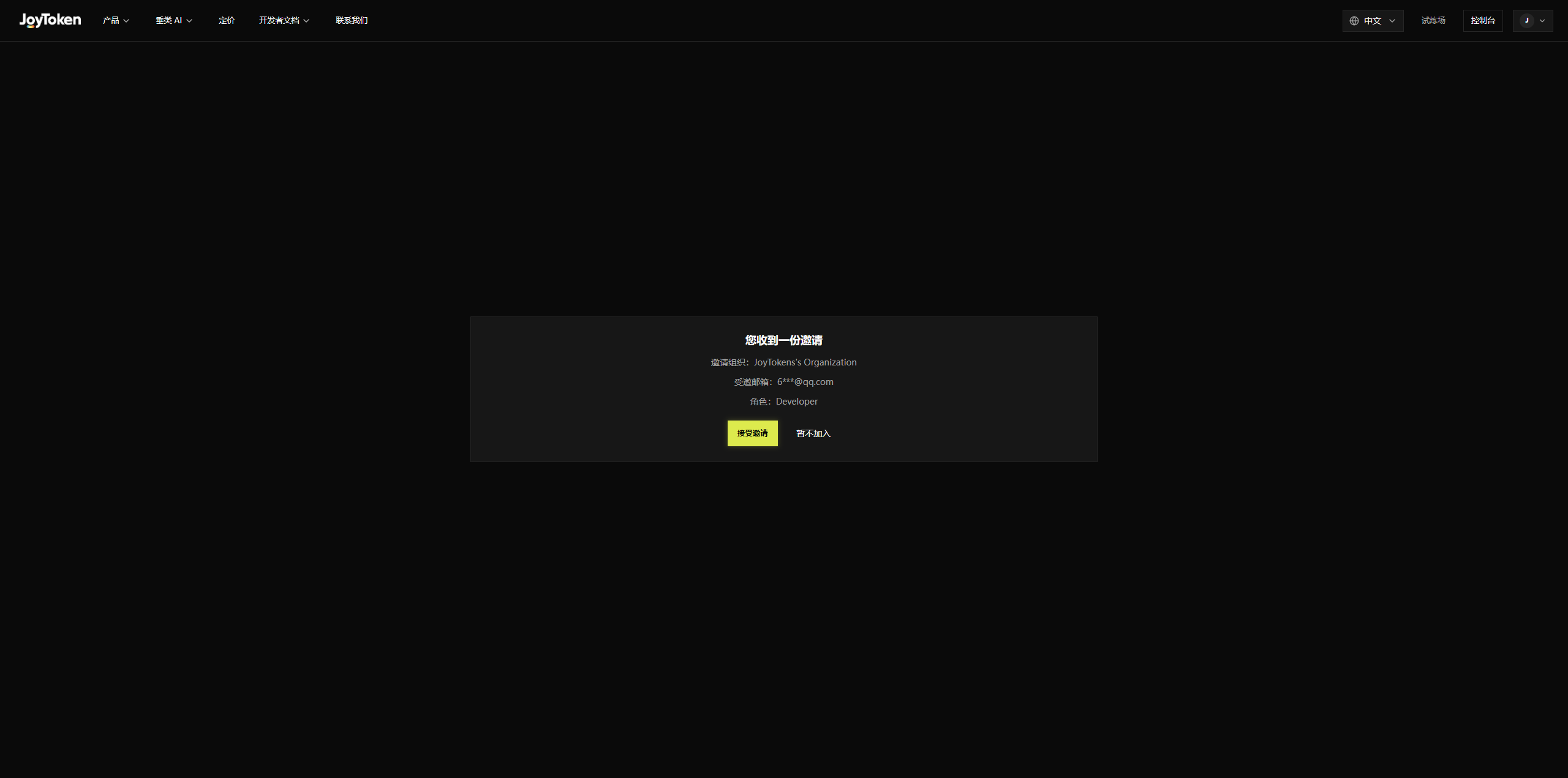
After accepting the invitation, the system redirects you to the JoyToken platform. On the organization selection page, you will see a card for the organization you have joined, showing:
- Organization name: e.g., JoyToken’s Organization
- Authorized email / account: shows your login email
- Role: e.g., Developer
Once confirmed, click Accept Invitation on the card to confirm joining; if you choose Not Now, you return to the login home page.

Step 3: Log In with the Invited Email
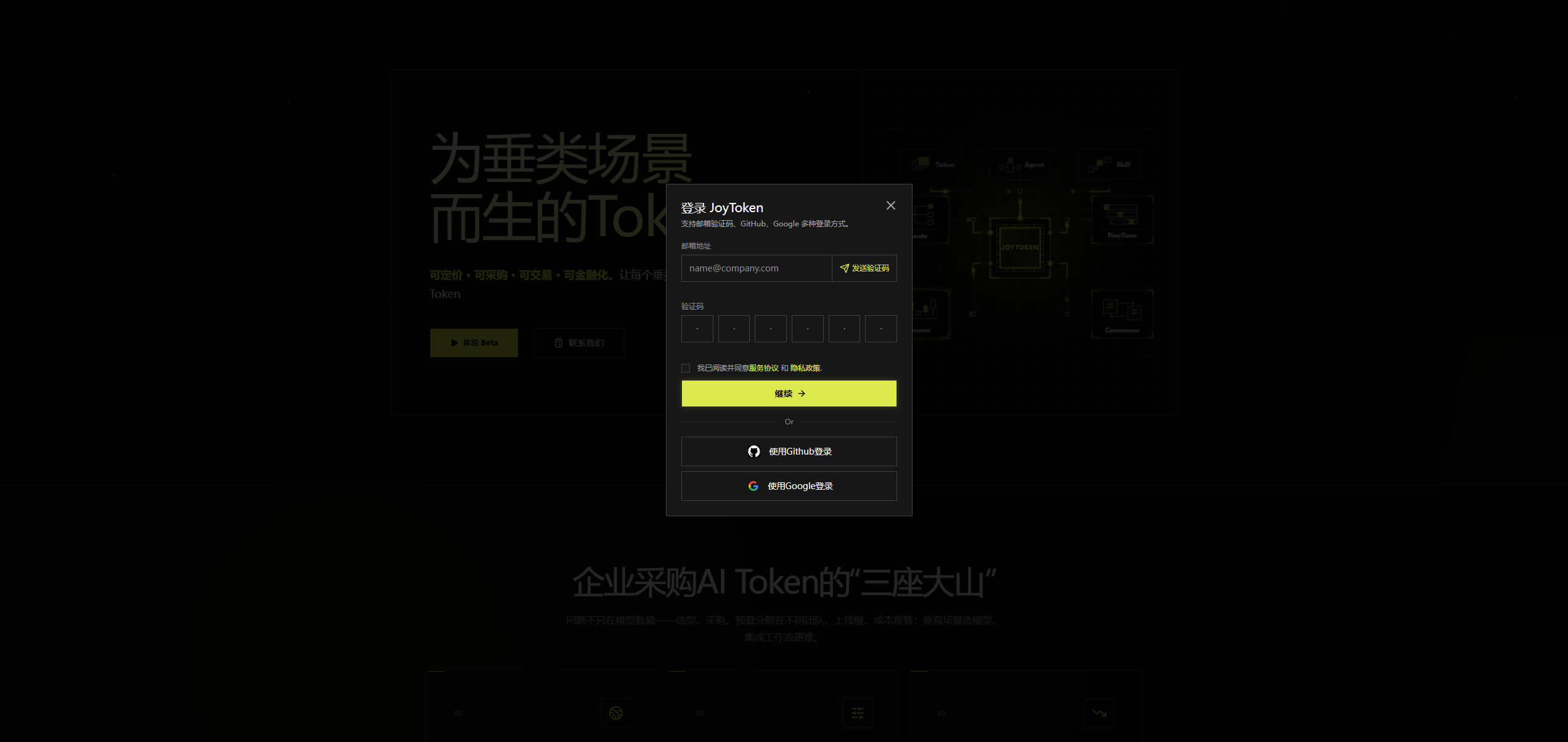
The following login methods are supported:
- Email verification code: enter your email address, get and fill in the verification code, agree to the Terms of Service and Privacy Policy, then click Log In to complete login;
- Third-party quick login: you can also log in with one click using a Microsoft or Google account.
After logging in successfully, you can enter the platform and use the various Token-related tools and resources for vertical scenarios.