Overview
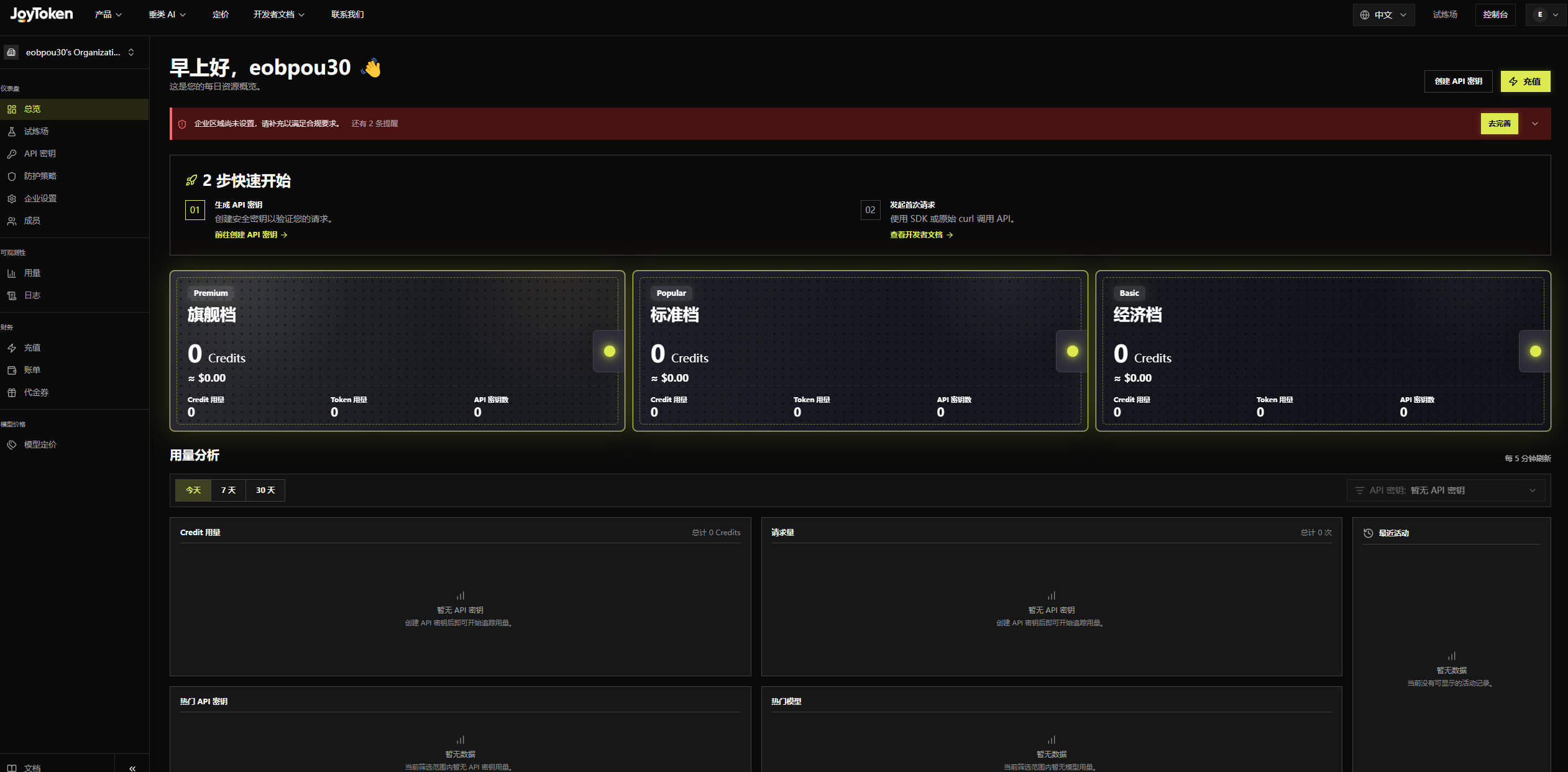
After logging in, you are taken to Overview, which displays an account resource summary. On first entry after registration, a prompt asks you to complete the organization profile; click Complete Profile to open Organization Settings.
- Left Navigation: Overview, Playground, API Keys, Guardrails, Personal Settings | Usage, Logs | Top up, Billing, Vouchers | Model Pricing.
- 2-Step Quick Start: Generate an API Key, then make your first request with an SDK or curl.
- Plan Tiers: Premium, Standard, and Economy, each showing Credits balance and usage.
- Usage Analytics: Today / 7 Days / 30 Days, refreshed every 5 minutes, showing Credit usage and request volume.
- Recent Activity: Login, logout, and other operations in chronological order.